Choose your subject
One person?
Two? A pet?
See what to prepare for each subject. You’ll choose the matching option when you upload your photo.
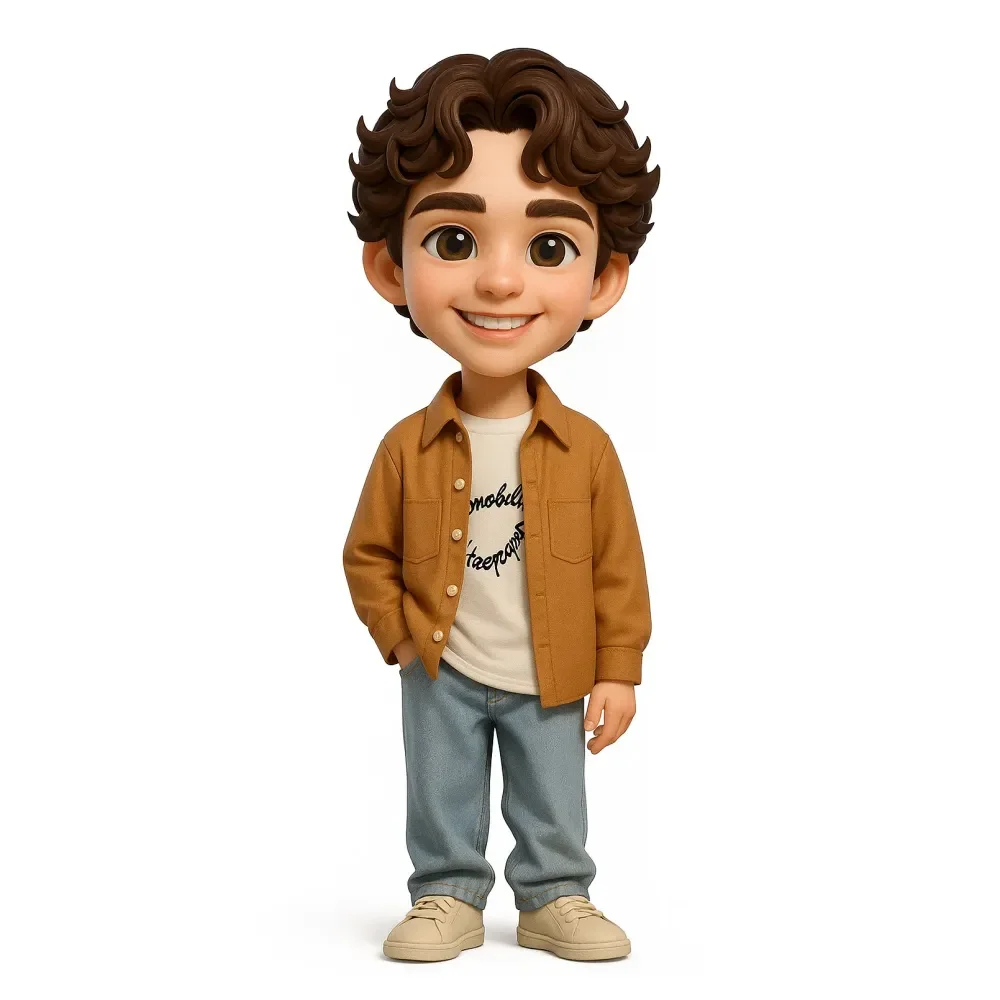
One person
Their usual look
Choose a photo that shows their face and the clothes you want in the design. Add notes about glasses, a pose or another detail you want the team to consider.
Use my photo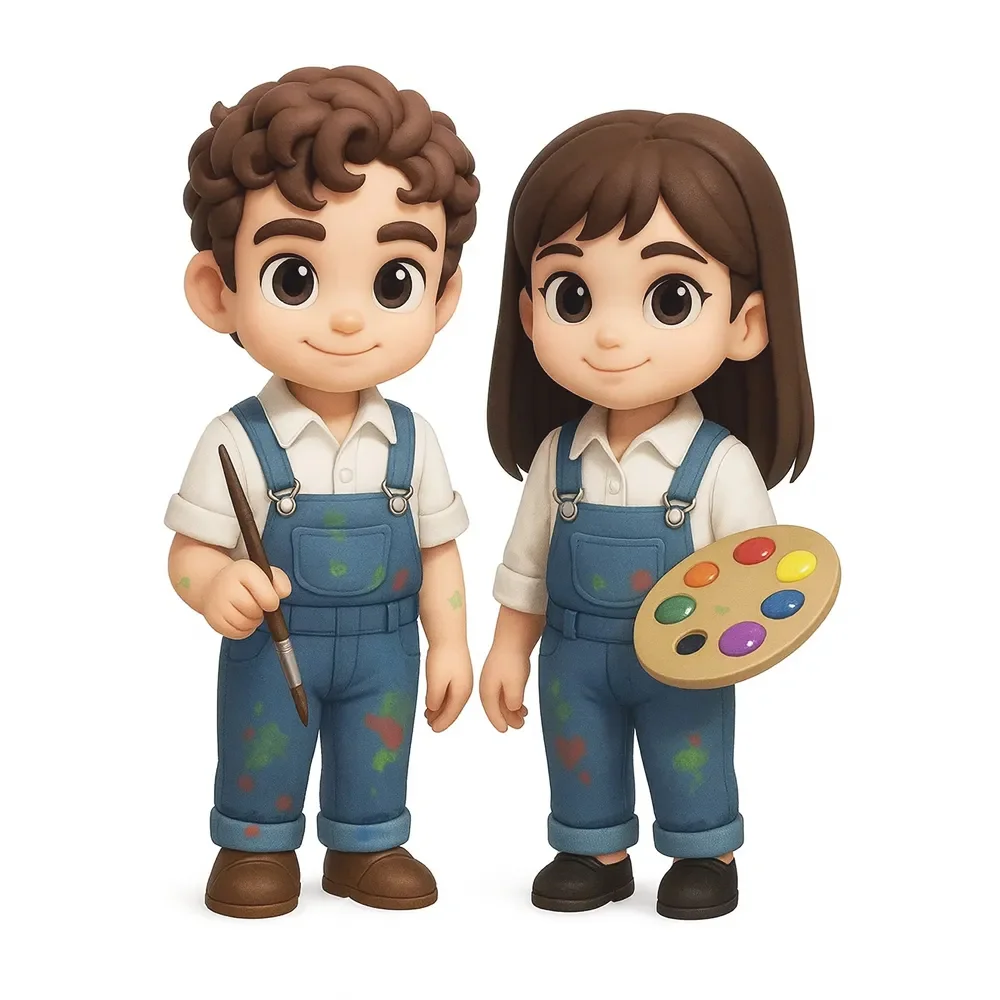
Two people
The two of you, together
Use a photo where both faces are easy to see. Tell the team which outfits and pose you have in mind for the pair.
Use my photo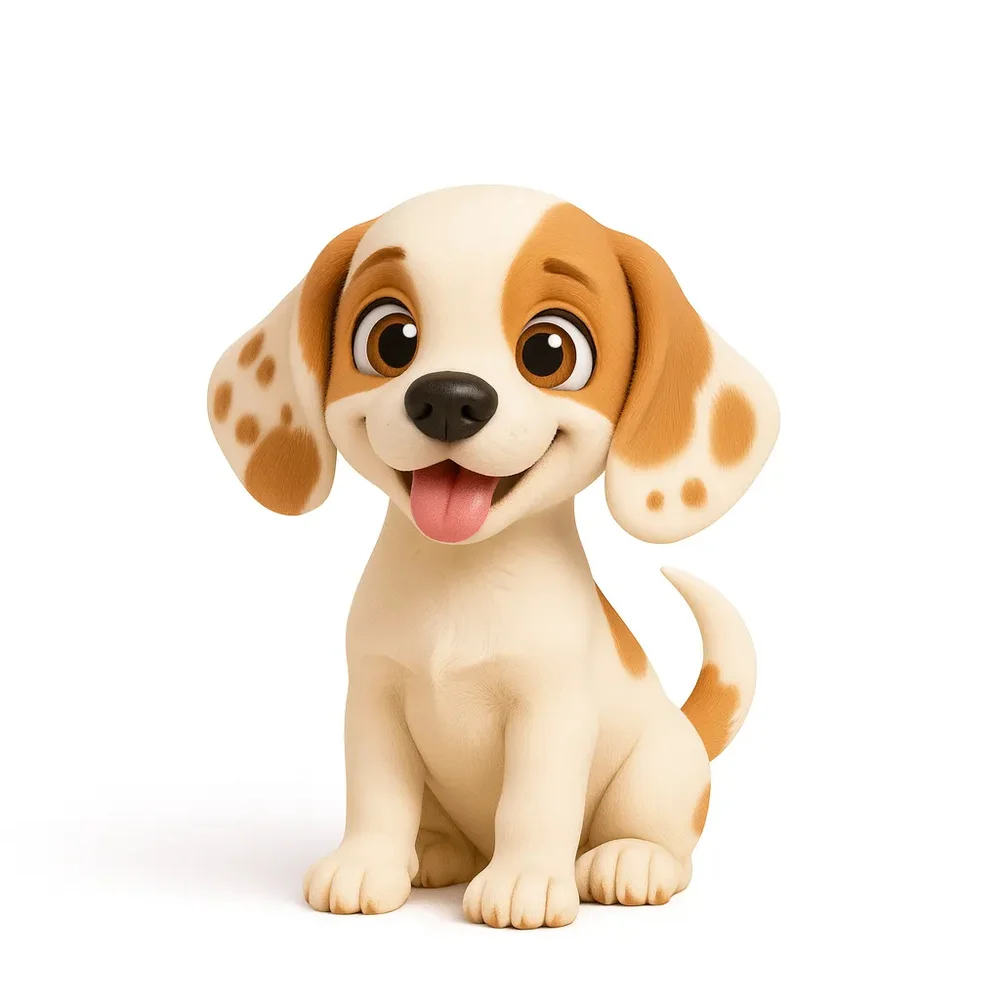
A pet
The face on your lock screen
Pick a sharp photo of your pet with the face, ears and coat markings visible. Mention any features you especially want to keep.
Use my photo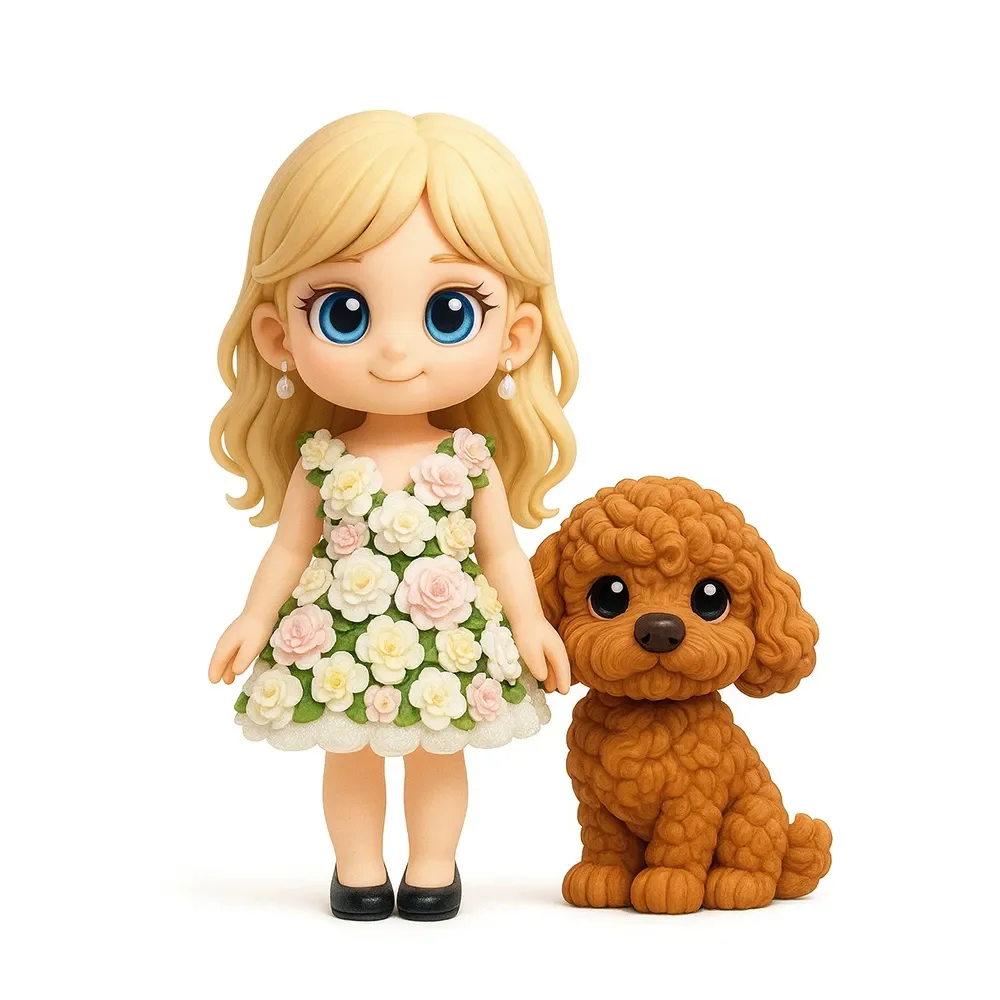
One person & one pet
Always in the same photo
Include one person and one pet in your reference. Make sure both are clearly visible, then describe how you would like them posed.
Use my photoIllustrated figure examples. Finished figures may differ from digital images.
For other requests
Need a different
combination?
For three or more people, other combinations of people and pets, or a child’s drawing, contact the team first. Send a description of what you want so they can check the request.
Ask about my requestUse the photo
you have in mind.
A clear face is a good place to start. Add the clothing or pose notes you want included, then request an AI design preview by email.
Make my figurePreview and order on Custom3DFigure.
Read the blog